Front Panel
The Output 8 MKII front panel is laid out for fast at-a-glance status checks during a show.
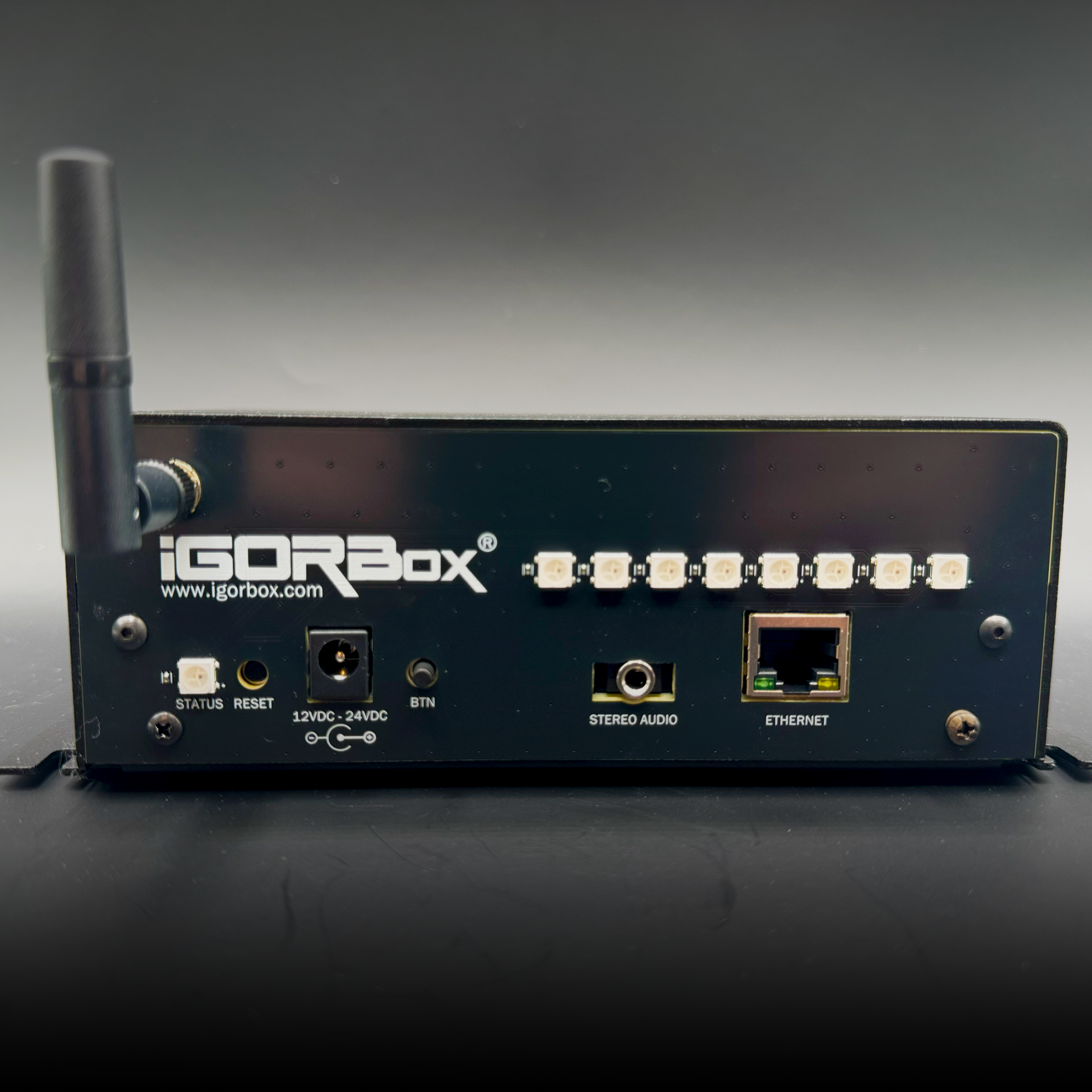
From left to right:
| Element | What it tells you |
|---|---|
| Status LED | Overall controller state. See Status LED |
| 8 RGB channel indicators | One per output channel. The color and brightness tell you the channel's mode and whether it's on or off. See Channel indicators below. |
| Front button | Configurable per controller. See Front Button |
Channel indicators
Each channel has its own RGB LED. The color tells you how that channel is set up, and the brightness tells you whether it's on or off:
| Light | What it means |
|---|---|
| Green | A channel in relay mode (dry contact). Bright green when the channel is on, dark when it's off. |
| Orange | An inverted relay-mode channel. Bright orange when the channel is on, faint orange when it's off. |
| Red | A channel in solid-state mode (powered output). Bright red when the channel is on. When it's off: dark for a normal channel, a faint red glow for an inverted one. |
A couple of things to take away:
- The color tells you the channel's mode at a glance: green and orange are relay mode (orange marks it inverted), red is solid-state.
- Inverted channels are never fully dark. They keep a faint glow when off (orange in relay mode, red in solid-state mode), so you can always tell an inverted channel apart from one that's simply turned off or disabled.
The light reflects the commanded state of the channel, so an inverted channel shows its indicator on when the channel is active, even though that flips the output the opposite way.
The rear connector lights follow the same color language, with a faint always-on marker at every connector (as of firmware 2.2.0). See Indicator Lights for the full rear-panel reference.
You can dim the indicators globally or disable them entirely from the controller's Configuration tab in Studio (useful in pitch-black haunt environments where any light leak would break the scene).
Mounting
Same chassis and mounting pattern as every current IgorBox controller. See Mounting for the footprint drawing, wall-mount and DIN-rail options, and hardware-reuse notes.